AI Natives Don't Just Chat. They Build.
Chatting with AI is where everyone starts, and where most people stay. AI natives move on to building: they turn repeated prompts into saved assistants, repeated tasks into automations, and repeated problems into small apps and agents. You do not need to code. You need a simple rule (if you have done it three times, build it), a map of the work before you automate it, and the habit of checking what you built.
The chat ceiling
Almost everyone who gets good at AI hits the same wall. You learn to prompt well, you save half an hour a day, and then progress stops. You are faster, but you are not different.
The reason is structural. A chat is a one-off. Every conversation starts from zero, needs you sitting there to drive it, and lives inside a window that forgets everything when you close it. However good you get, the gain is capped by the hours you can spend typing.
The leverage is in things that run without you retyping them. And since February 2025, when the AI researcher Andrej Karpathy coined the phrase "vibe coding" for describing what you want in plain language and letting AI write the software, building has stopped being something only programmers do. Today a marketer, a teacher or a finance manager can describe a small tool in the morning and be using it by the afternoon.
That shift, from asking AI things to building things with AI, is the clearest line between an AI user and an AI native.
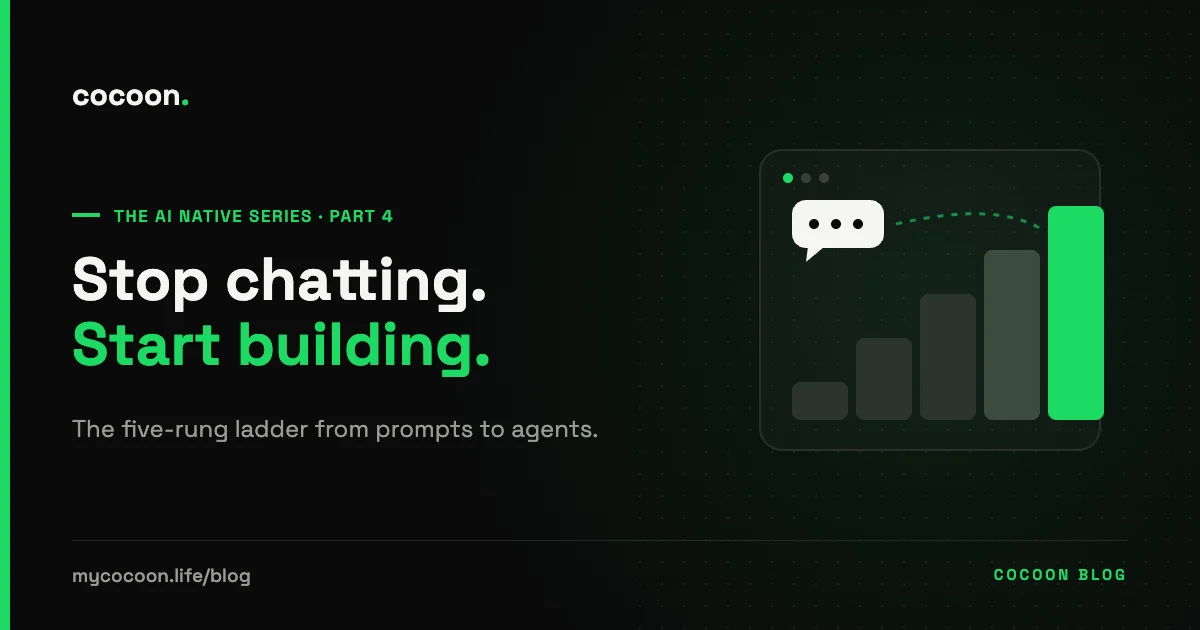
The builder's ladder: five rungs from prompt to agent
You do not jump straight to agents. You climb, and every rung is useful on its own.
Your ten most-used prompts, written properly once, with the context baked in: your role, your audience, your format, an example of good output. Stored somewhere you can paste from in two seconds.
A project, custom GPT or Gem with standing instructions, your own documents and examples loaded in. Instead of explaining your brand every time, you explain it once.
No chat window at all. Something happens (a form is filled, an email arrives, it is Monday at 8am), a fixed series of steps runs, and an AI step does the thinking in the middle: classify this, summarise that, draft a reply.
Describe a tool, and an AI app builder writes and hosts it. Not a product for millions of users; a working tool for you, your team or your customers.
You give it a goal, not steps. It decides what to do, uses tools (search, a spreadsheet, your calendar, an API), checks its own progress and reports back.
Most people never get past rung one. Getting to rung three changes your job. Not sure where the line sits between rungs three and five? We explain it in AI agent vs automation.
The rule of three
How do you know when something is worth building? Use the rule of three: if you have done it three times, it is a candidate. Then ask three questions:
- Is it frequent? Weekly beats yearly. The payoff is time saved multiplied by how often it happens.
- Is it stable? Do the steps stay roughly the same each time? If every case is different, keep it as a chat for now.
- Is it checkable? Can you tell quickly whether the output is right? If not, build the checking step before you build the tool.
Three yeses means build it. Two means build a saved prompt or assistant first, and come back later.
Five things worth building first
- Meeting to action list to tasks. The transcript goes in; decisions, owners and dates come out and land in whatever you use to track work.
- The weekly report that drafts itself. Numbers pulled from your tools, a first-draft commentary written, delivered to you for a five-minute check.
- A first-reply drafter for common questions, grounded in your own documents, so customers or colleagues get a fast, accurate draft that a person approves.
- A content repurposer. One long piece in, five posts out, in your voice, for the platforms you actually use.
- A researcher that fills a sheet. Leads, suppliers, venues or grants, each row with a source link you can check.
We practise what we teach here. Cocoon's AI news page and AI jobs board update themselves every morning at around 6am, with nobody pressing a button. We wrote up how we built that desk, including the parts that broke.
Map before you build
The most common mistake builders make is automating a bad process. You end up doing the wrong thing faster, and now it is harder to change.
Cocoon's rule from the 3 As of AI applies: you cannot automate what you have not accelerated. Before you build, write the process down step by step. Then apply ECRS: can a step be eliminated, combined with another, rearranged or simplified? You will often find that two of the eight steps exist only because nobody ever asked why. Remove them first, then build.
Describe how a task really happens, in your own words, and the free Workflow Mapper draws the process and marks what is worth automating.
Open the Workflow Mapper →What goes wrong, and the guardrails
- Silent errors. A person makes a mistake once. An automation makes it every time, quietly. Add a human checkpoint for anything that leaves the building, and keep a simple log of what ran.
- Keys and data. Never paste API keys or passwords into a chat. Know which tools your data passes through. If your company has no written rules for this, our free AI Policy tool drafts a first version in minutes.
- Orphan tools. You build something useful, you go on leave, it breaks and nobody knows how it works. Write a five-line note: what it does, what it connects to, how to switch it off.
- Over-building. An agent where a saved prompt would do. Climb only as high as the problem needs.
Learn by building, free
Reading about building is like reading about swimming. Cocoon's free Deep Learning labs let you practise each rung in the browser, safely:
- Build Lab: describe a website and watch AI build it, then learn what to ask for next.
- Automation Lab: wire triggers, actions, filters and AI steps on a drag-and-drop canvas, across nine guided levels.
- Agent Lab: break an AI agent five different ways, so you know where yours will break.
- API Lab: how tools talk to each other, from APIs to MCP, on live data.
In our cohorts, people then take the Build Track: four hours on the clock and five missions written about their own business, rising from a first prompt to automations, a website, and finally an app running on their own API key.
- What Does It Mean to Be AI Native? (It Has Nothing to Do With Your Age)
- A Day in the Life of an AI-Native Professional (Hour by Hour)
- The AI-Native Paradox: Why Your Own Judgement Matters More, Not Less
- AI Natives Don't Just Chat. They Build.
- What Makes a Team AI Native? (It's Not the Tools You Bought)
Frequently asked questions
Do I need to know how to code to build with AI?
No. Saved assistants, no-code automations and AI app builders let you build working tools by describing what you want in plain language. Knowing some basics, like what an API key is and where your data goes, helps you build safely.
What is vibe coding?
Vibe coding is a phrase coined by AI researcher Andrej Karpathy in early 2025 for building software by describing what you want to an AI and letting it write the code, often without reading every line. It is excellent for prototypes and personal tools; anything handling customer data or money still needs proper review.
What is the difference between an automation and an AI agent?
An automation follows fixed steps you designed, with AI doing specific jobs inside them, such as classifying or drafting. An agent is given a goal and decides its own steps and tools. Automations are more predictable; agents are more flexible and need tighter limits.
What should I build first with AI?
Something you do at least weekly, that follows roughly the same steps each time, and whose output you can check quickly. Good first builds are meeting-to-action-list flows, self-drafting weekly reports and first-reply drafters for common questions.
Is it safe to build AI tools for work?
It can be, with guardrails: use approved tools, keep keys and personal data out of chats, add a human check before anything goes to customers, keep a log of what your automations do, and write a short note so someone else can maintain or switch off what you built.
Sources
Next in the series, Part 5: What Makes a Team AI Native? (It's Not the Tools You Bought)
Read Part 5 →